プロンプト
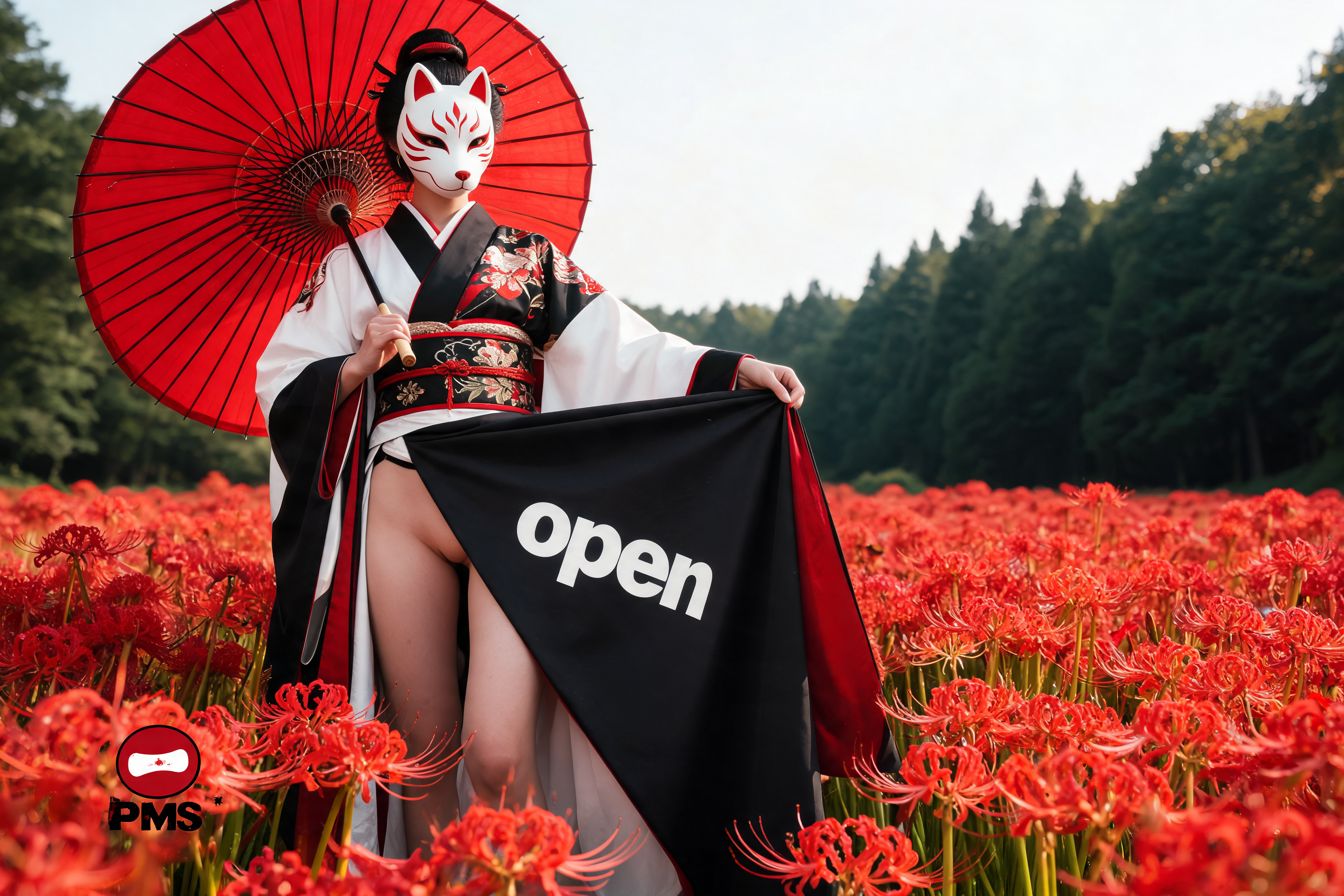
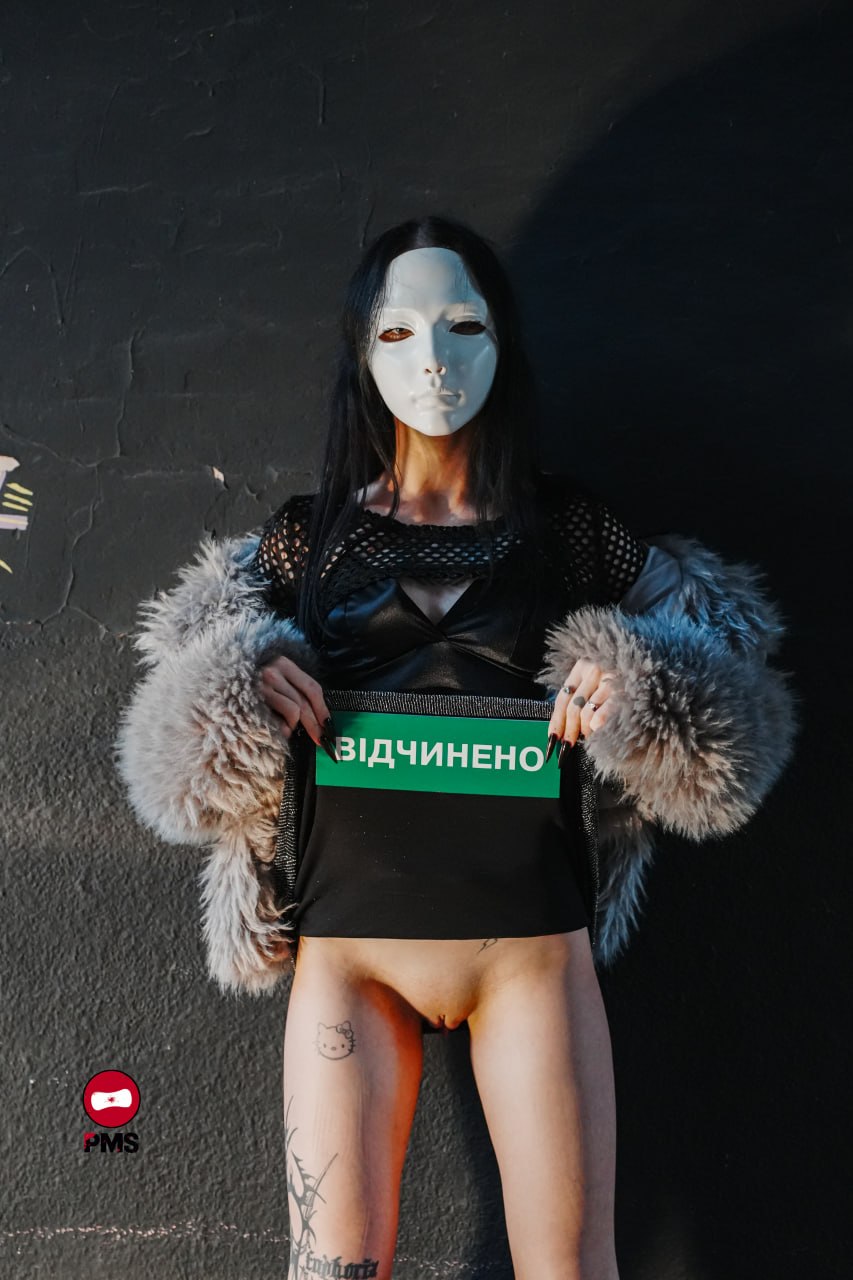
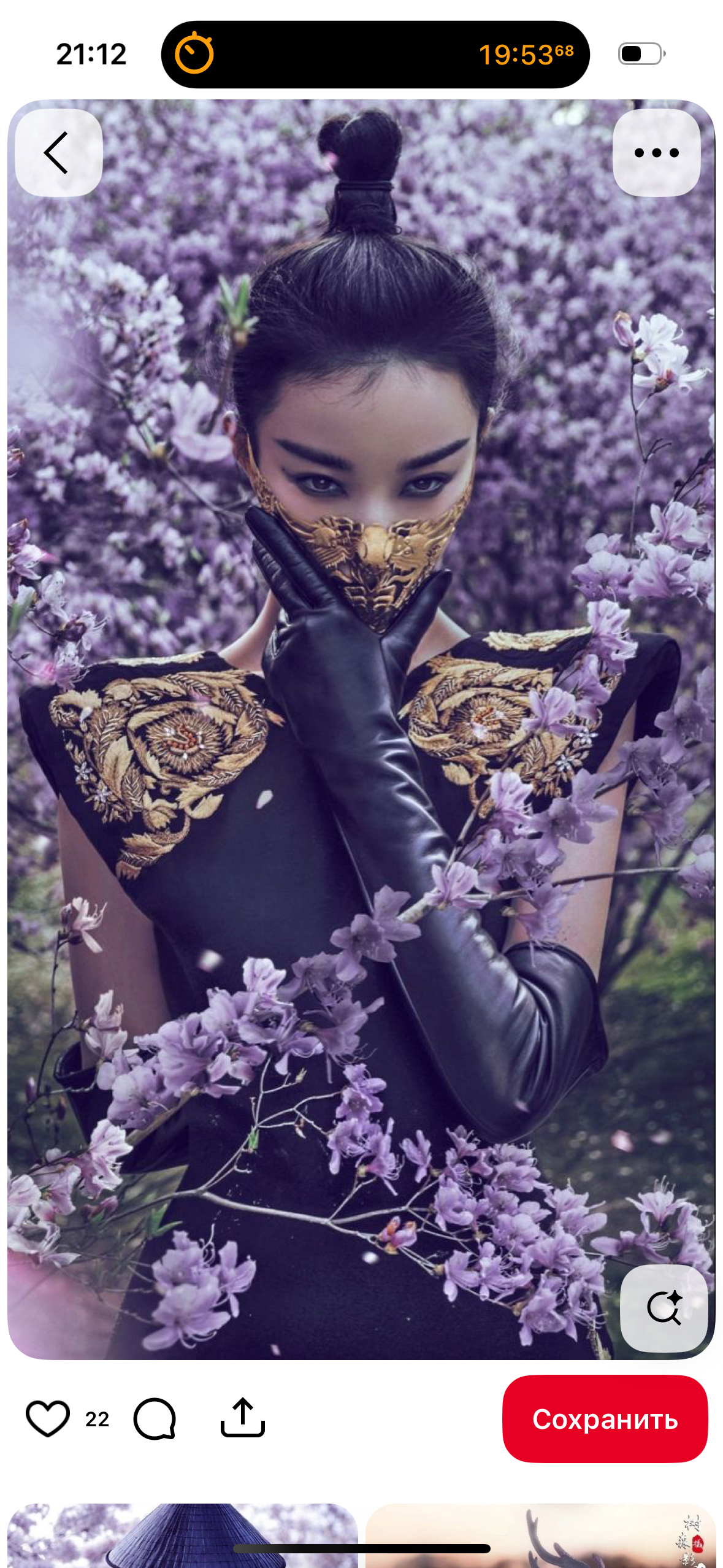
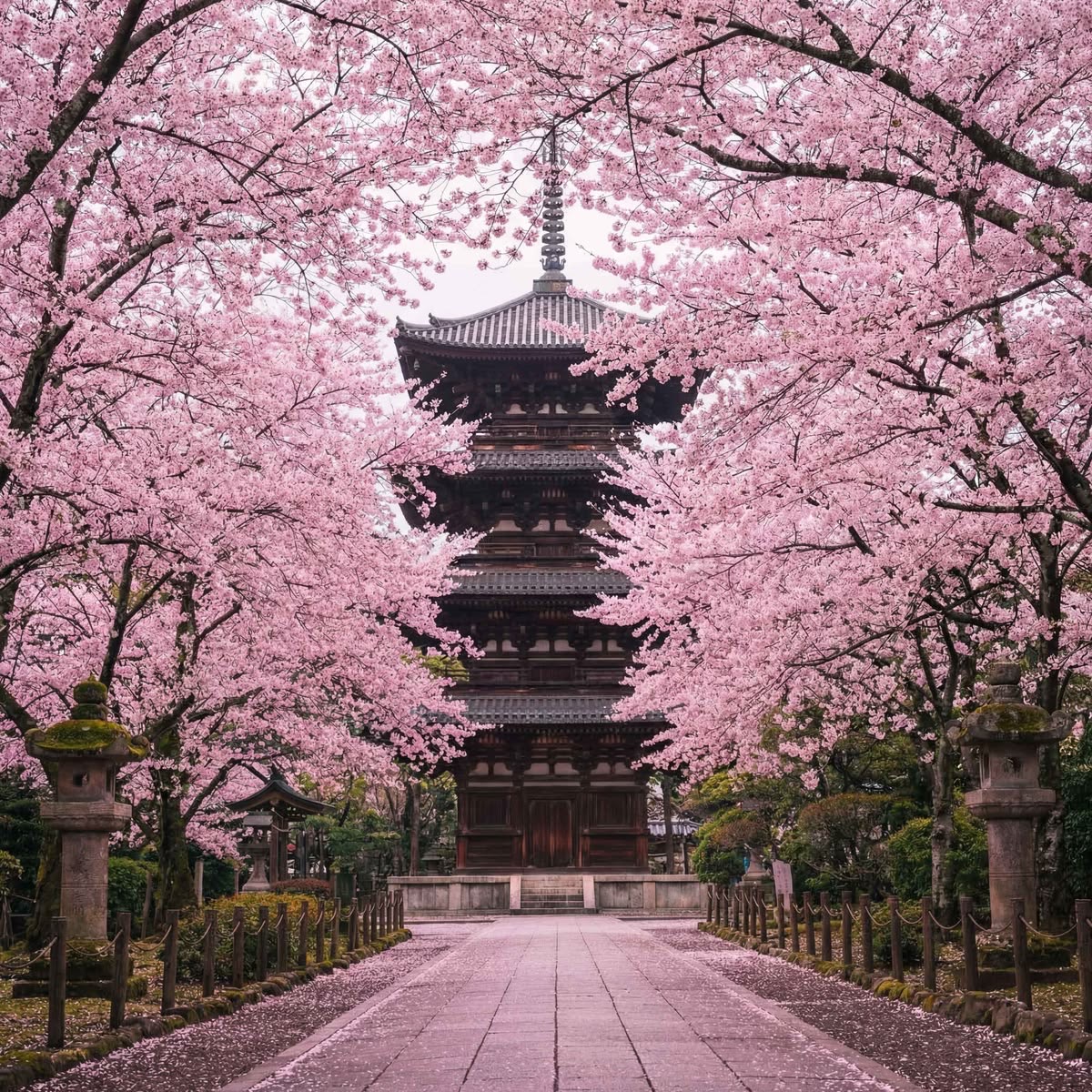
Combine the two provided reference photos into one photorealistic image. Use the first photo as the reference for the traditional Japanese kimono outfit, white kitsune fox mask with red details, large red traditional Japanese parasol, and vivid red flower field with a dark green forest in the background. Use the second photo as the reference for the woman’s body pose, with both hands pulling the skirt upward and holding the fabric taut. The woman should have the same traditional Japanese fox mask and hairstyle as the woman in the first reference photo, including dark hair styled in an authentic Japanese-inspired look. Do not use the plain white mask or hairstyle from the second photo. She wears a traditional Japanese kimono top with wide white sleeves, black and red accents, and an ornate obi belt. For the lower half, recreate the raised and stretched fabric pose from the second reference, Preserve the upward-pulled position of the skirt and the hand placement from the second photo. Print the word “open” clearly and accurately on the raised skirt fabric. The lower part of the body is exposed. The skirt is pulled up and held taut. Keep the full-body composition, realistic anatomy, natural fabric folds, detailed textures, and authentic Japanese aesthetic. Blend the woman’s appearance and outfit seamlessly with the first photo’s background, matching its lighting, perspective, colors, and cinematic atmosphere. High-end editorial photography, ultra-realistic, no anime or cartoon effects. Add the PMS logo subtly in one corner of the image, preserving its original design and colors. Make it blend harmoniously with the composition, with natural placement, appropriate scale, and a slightly textured finish that complements the overall photographic aesthetic without distracting from the main subject.
Seedream5.0 Lite - Image to Image
設定
Tikdekで似た作品を作成
下のジェネレーターで、利用可能なモデルと設定を使ってアイデアを調整できます。